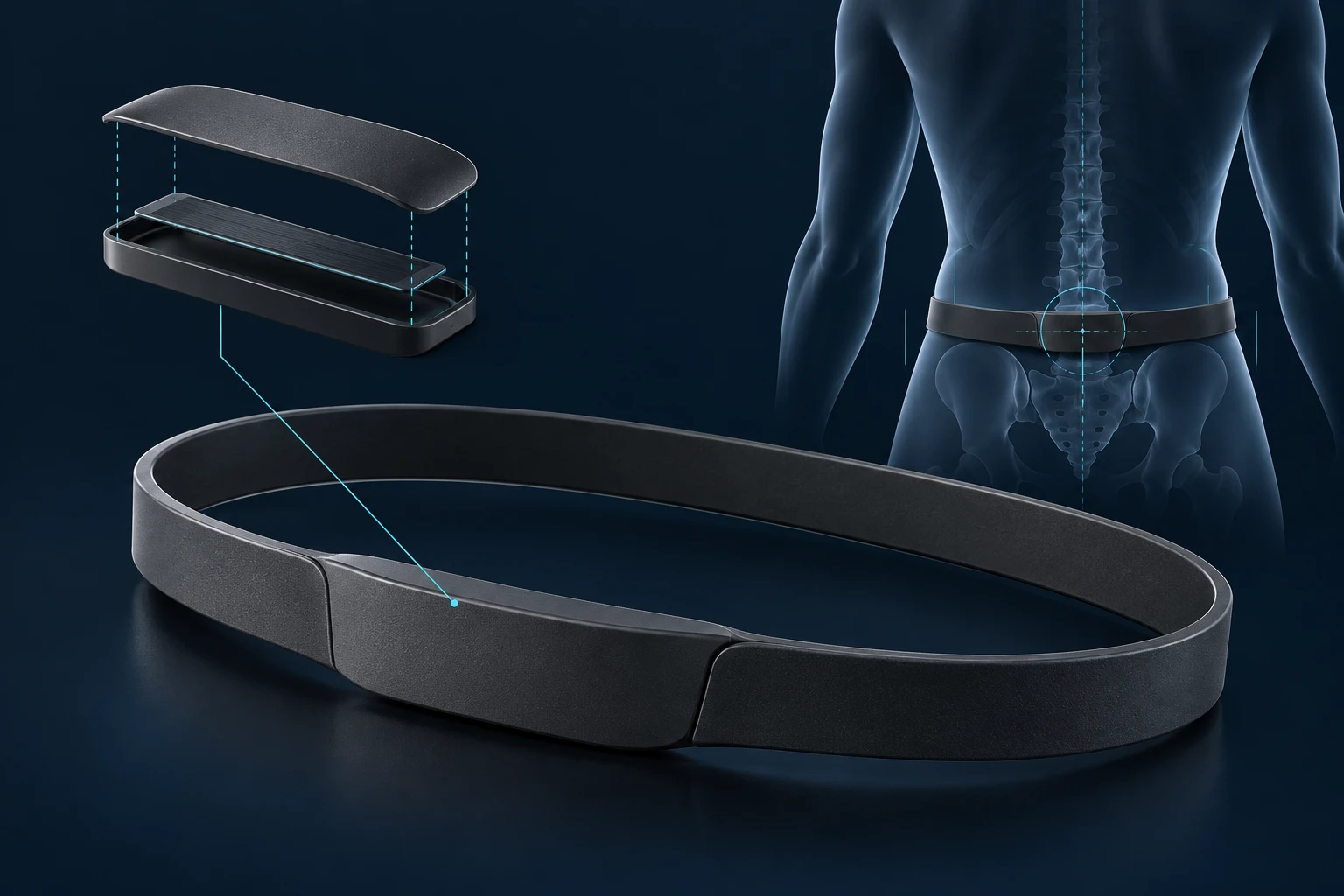
FlowLink System
The modular mounting system for HydroVision Swimmer Tags. FlowLink mounts keep each tag secure at the sacrum, wrist, forearm or ankle, and let the same tag move between placements as the set changes.
System Architecture
A connected system designed to capture swimmer movement, carry it from the pool to the coach, and build useful athlete history. HydroVision is in active development and pool testing.
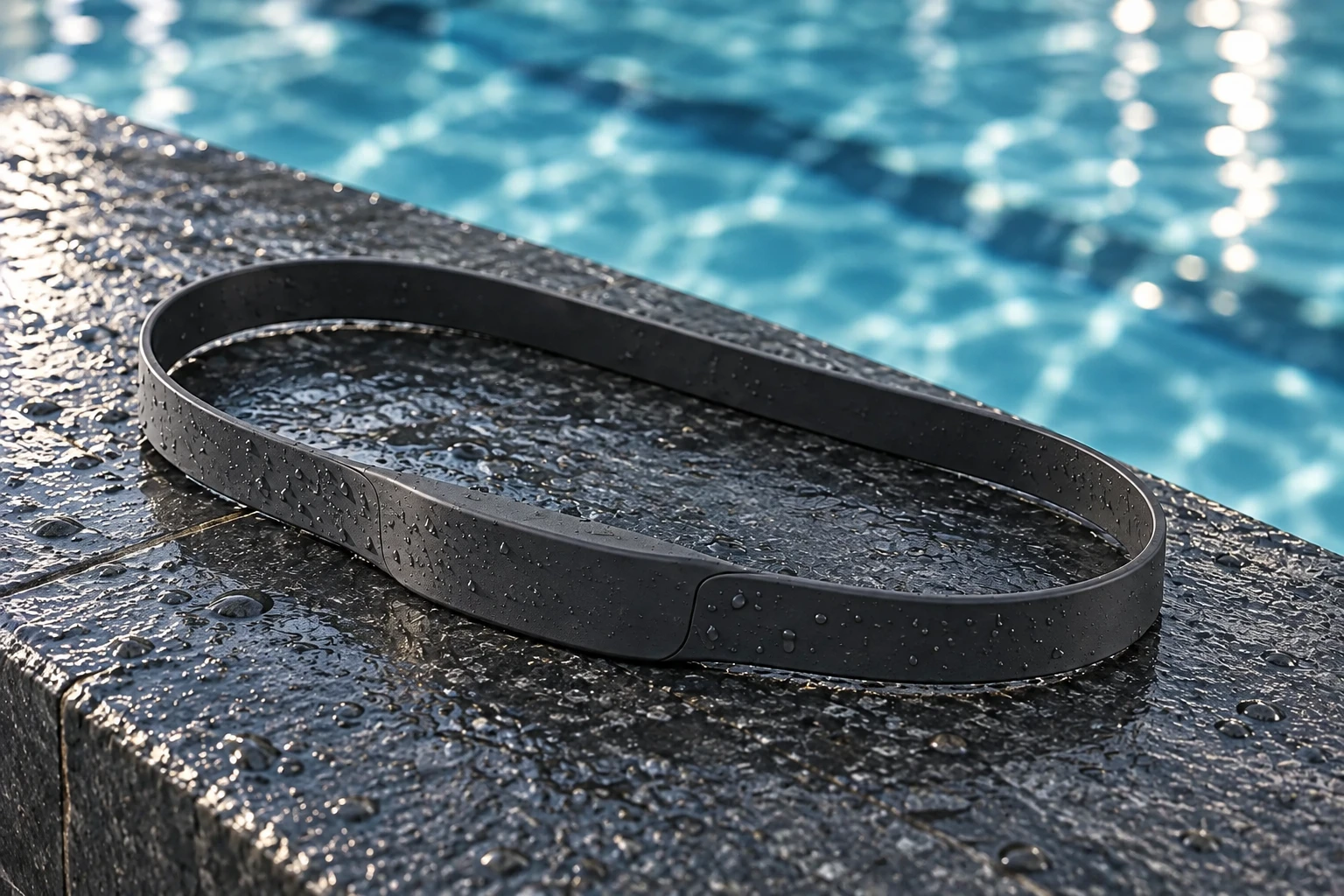
Mount tags. Capture movement.
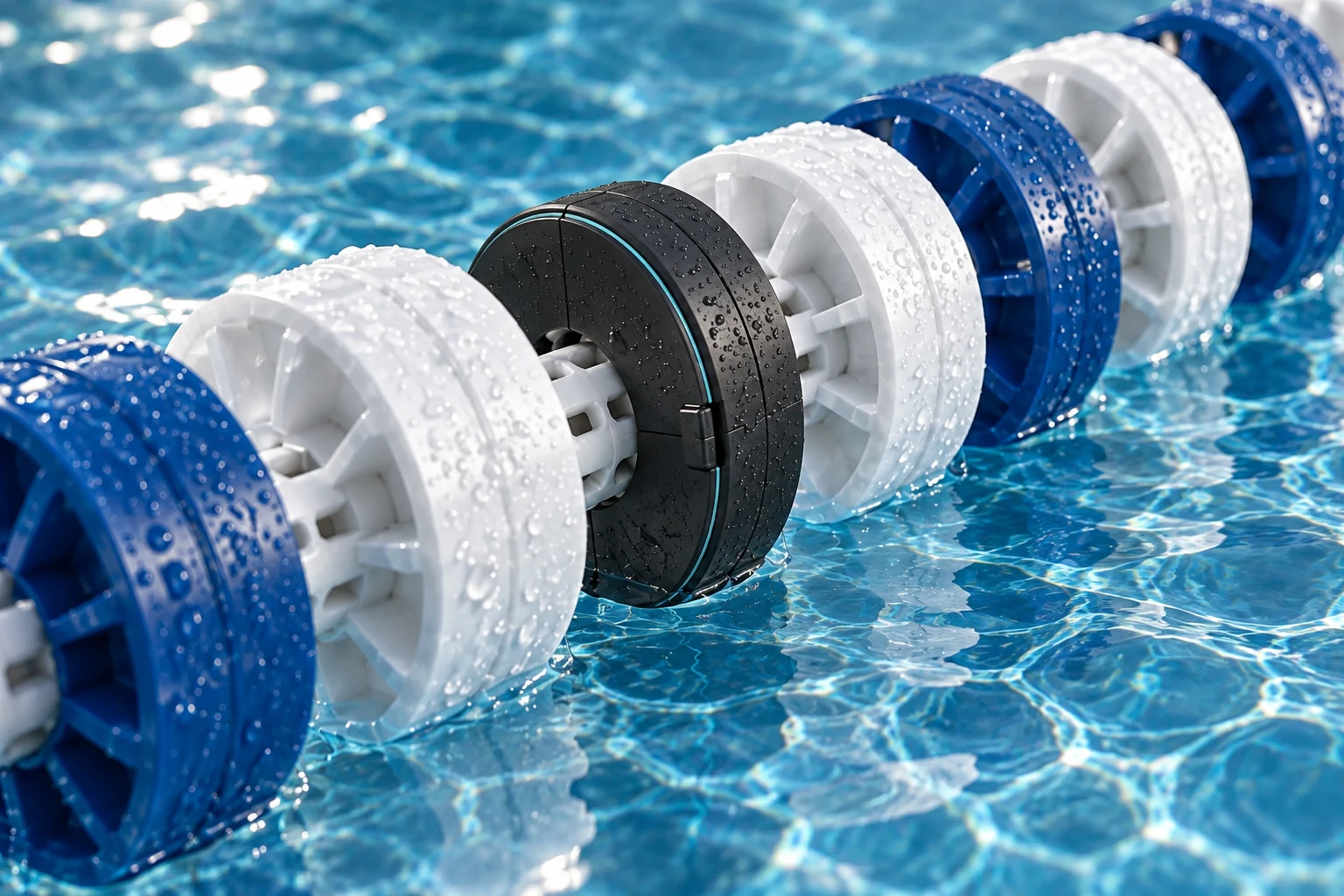
Relay swimmer data
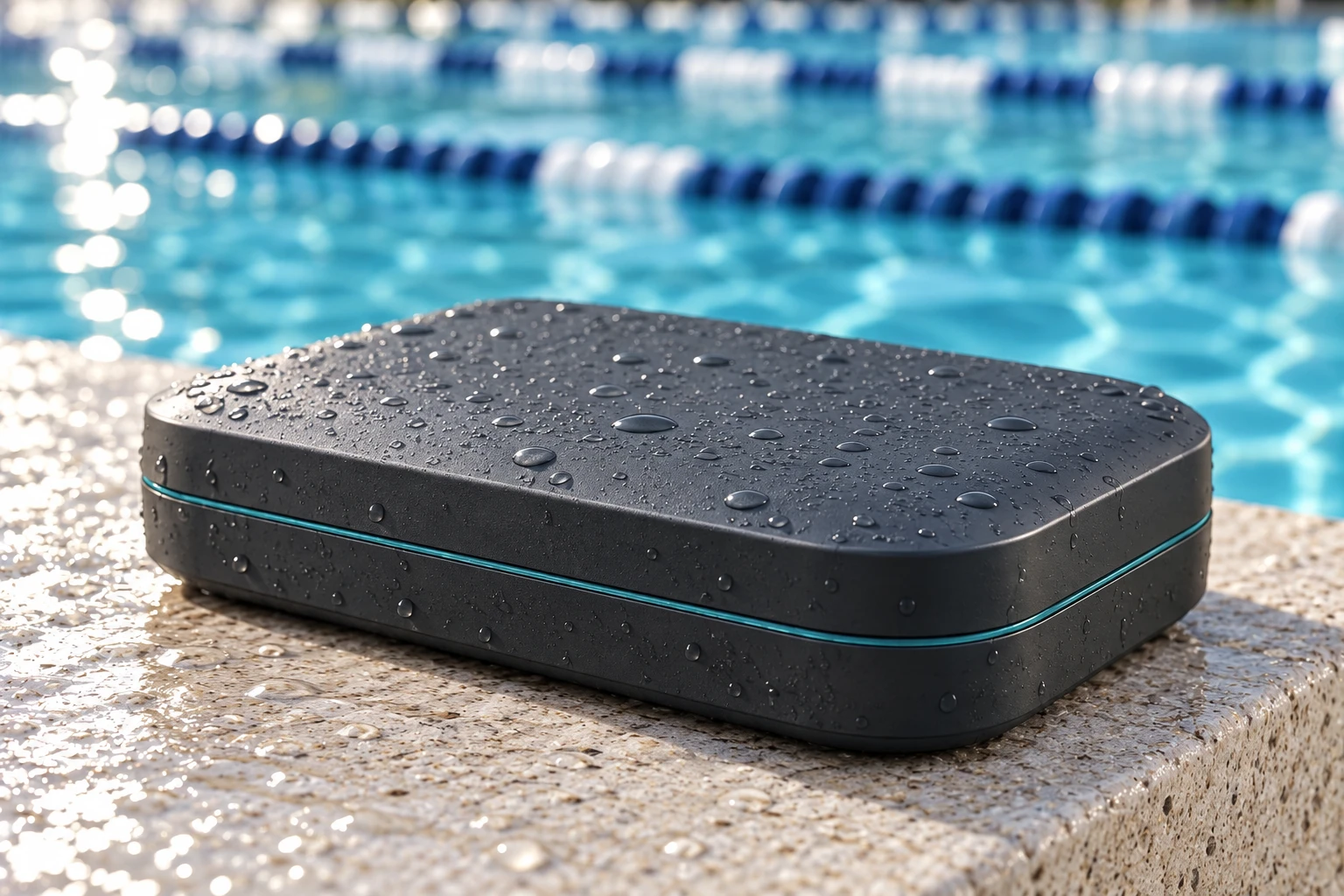
Connect pool to coach
Coach now. Review over time.
Product concepts. Final hardware and software will evolve through testing.
Physical Layer
Three pieces of hardware, designed as one pool-side system. Form, fit and durability are being refined through development and testing.
The modular mounting system for HydroVision Swimmer Tags. FlowLink mounts keep each tag secure at the sacrum, wrist, forearm or ankle, and let the same tag move between placements as the set changes.
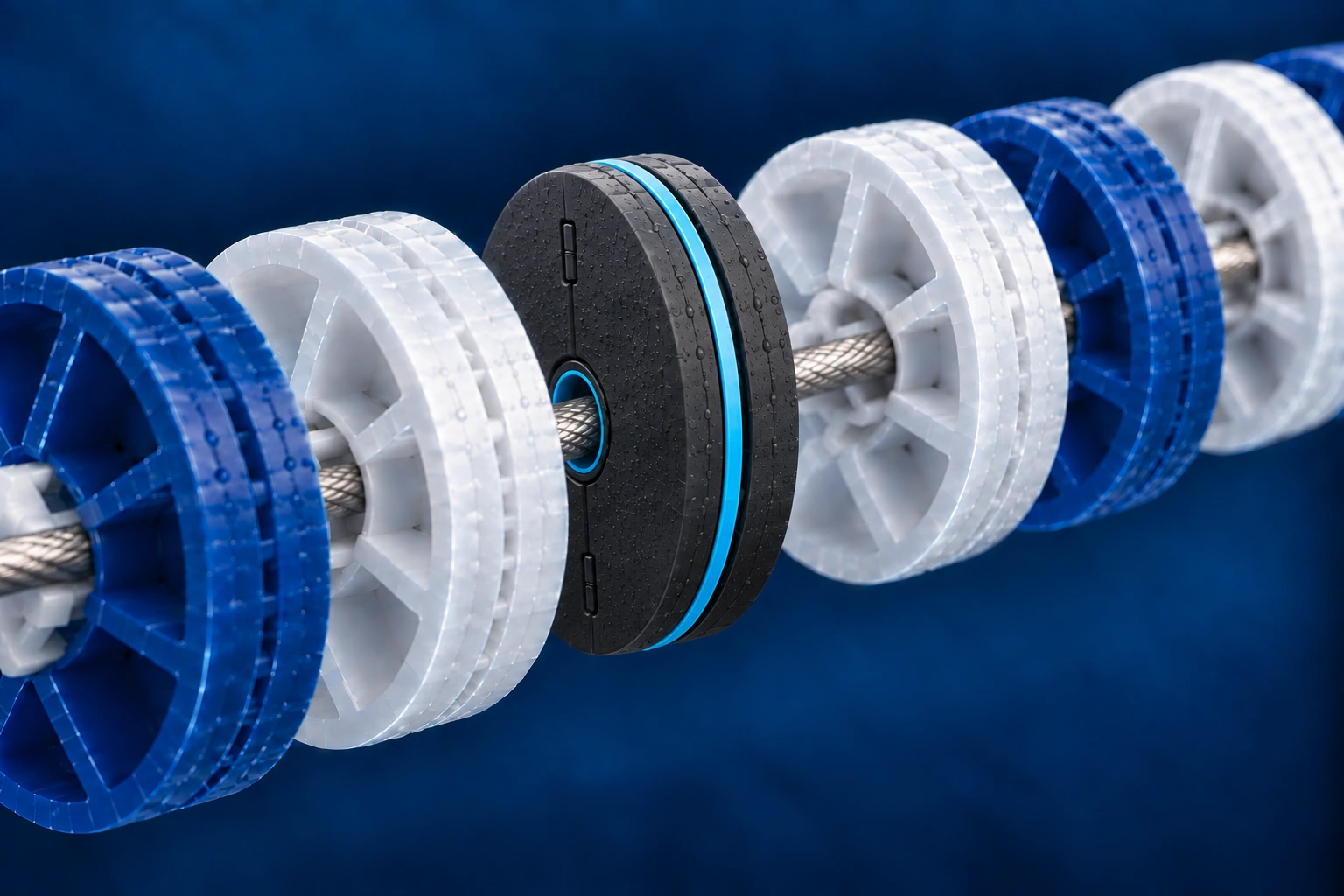
A compact clamshell that closes around the lane line’s central core, sitting alongside the other lane-line discs. Smart Discs receive swimmer data and relay it through the HydroVision system.
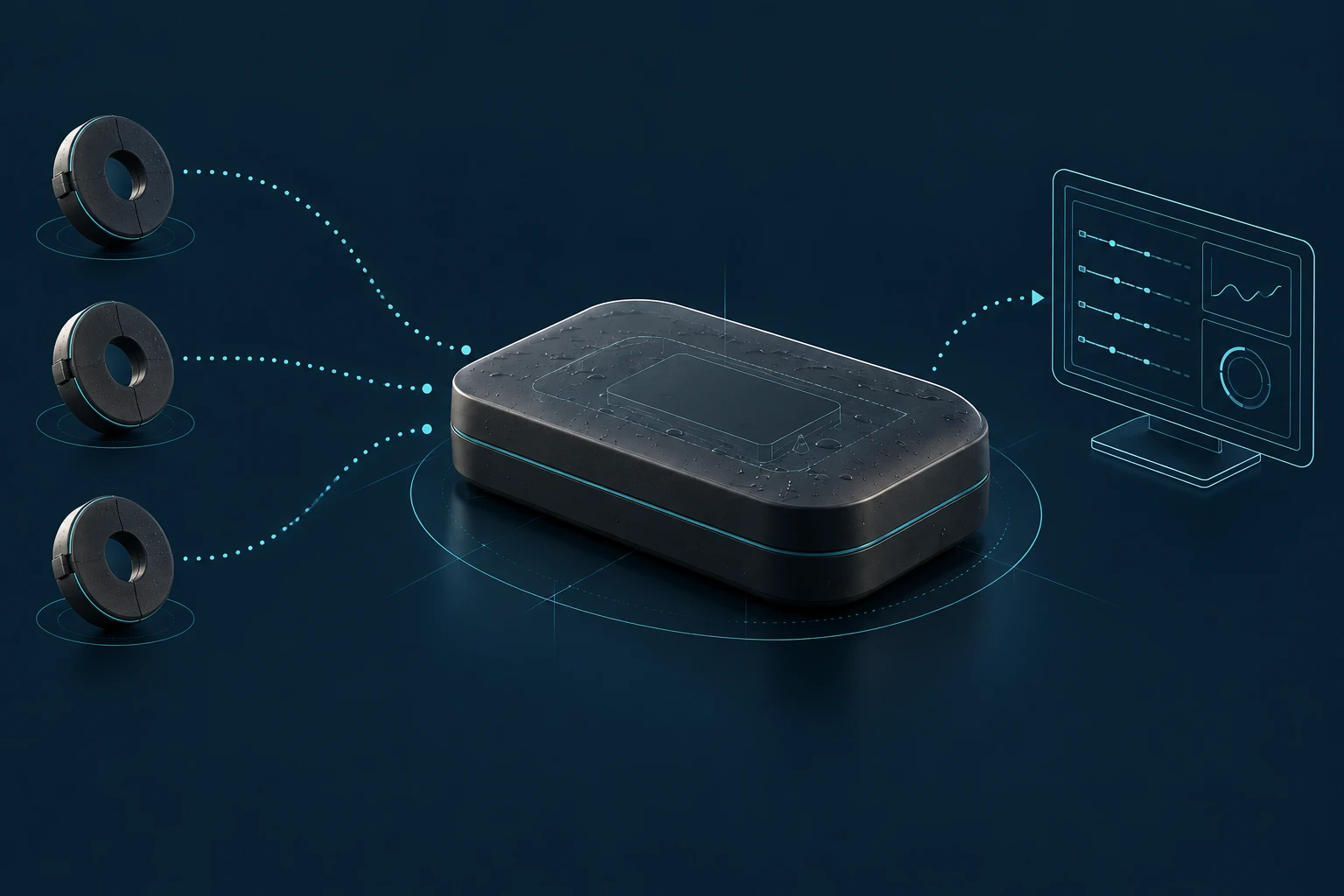
Brings the pool-side network together and connects it to the coaching and dashboard environment.
ONE TAG. DIFFERENT PLACEMENTS.
The FlowLink system lets HydroVision Swimmer Tags move with the workout. Clip a tag into FlowLink Ankle for a kick set, then move that same tag to FlowLink Wrist or FlowLink Forearm for the next set. The system is designed to recognize the body location from the mount.
A Swimmer Tag in FlowLink Sacrum provides the required sacrum sensing and typically stays in place throughout practice. Additional tags can move between FlowLink mounts within your plan’s limit of 3, 5, or 7 active sensors per swimmer. More mounting options are possible as development continues.
Using more sensors gives HydroVision a more complete view of how the swimmer is moving. Elite’s seven-sensor setup is designed to capture multiple parts of the body at the same time and build the fullest picture of the stroke. Every tier includes the same coaching and analytics features.
Compare sensor counts and planned pricing →From movement to meaning
Capture → Connect → Interpret → Coach. Each stage has a clear job.
Swimmer Tags clipped into FlowLink mounts track movement from the sacrum and other selected body locations. Your plan determines how many sensors can be active on each swimmer at the same time.
Smart Discs receive data from the Swimmer Tags and relay it to the Deck Hub, creating the poolside network that connects the water to the coaching system.
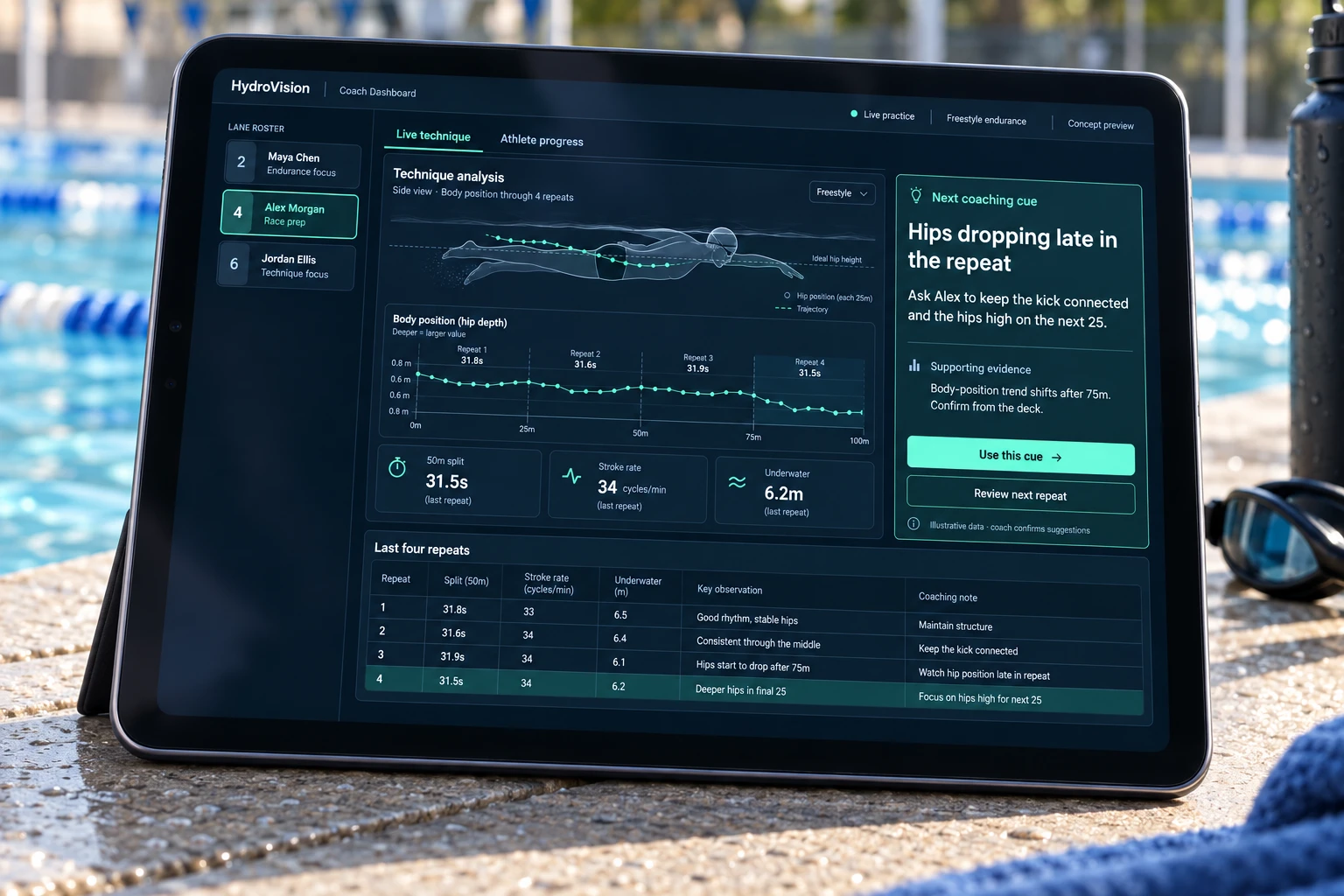
HydroVision software is being developed to connect movement patterns with meaningful technique context, such as body position changing late in a repeat or a breakout becoming less consistent.
The Coach Dashboard is designed to turn those observations into something actionable: suggest a specific adjustment, explain what changed, and help the coach compare what happens on the next repeat.
What You See
Choose a swimmer, inspect the technique pattern, and try a coaching cue. This interactive concept shows how an observation could become an adjustment on the next repeat.
Practice concept · Illustrative data
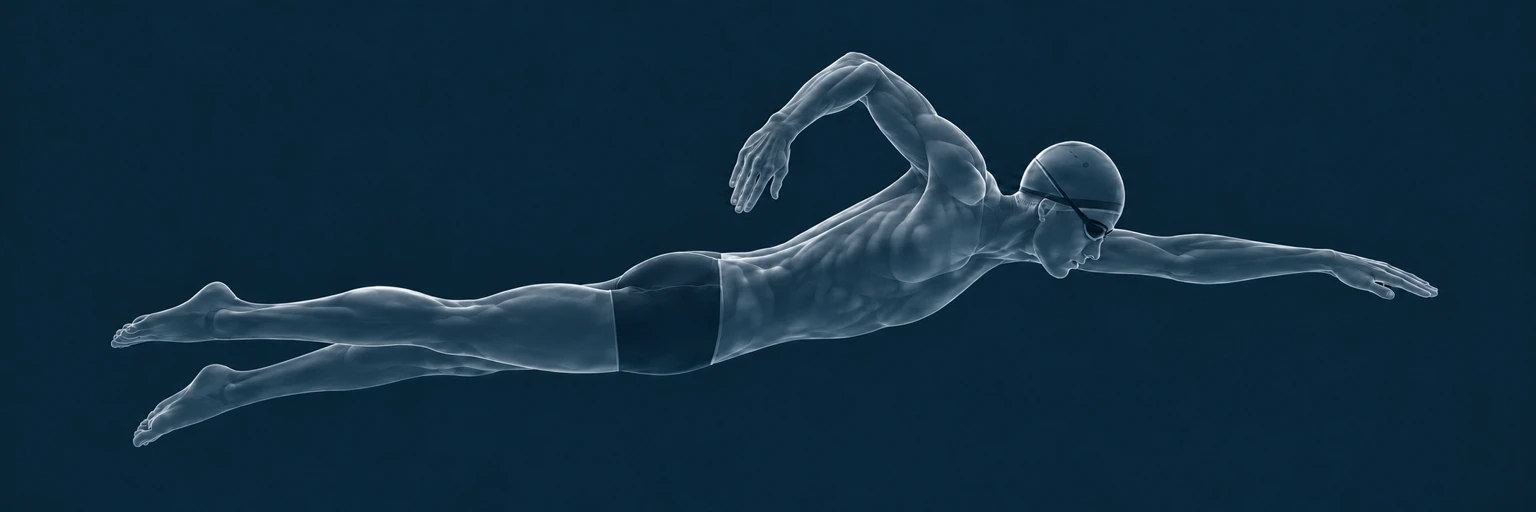
Hip position · Your hips are dropping late in the length. Keep your trunk firm and bring your hips back toward the surface.
| Repeat | Split | Observation | Coaching focus |
|---|
Review whether the body-position cue holds across comparable sets, not just one faster length.
Start with a short body-position reminder, then check whether the cue still holds late in the main set.
The longer view
The planned swimmer account gives each athlete access to their own training data after practice, with the technique corrections and coaching notes they can bring into the next session.
Review suggested technique corrections, the patterns behind them, and your coach’s notes. Keep a clear focus for the next practice.
Look back at total yardage or metres, sets, splits, stroke rates, turns and underwaters, all together in your own account.
Compare similar sessions, review fatigue markers and see when technique starts to change as a set gets harder. Follow whether an adjustment holds across weeks of training.
Planned analytics experience. Fatigue markers and technique suggestions are in development and will be validated through pool testing.
Partner With HydroVision